


Description
Download Voxer Walkie Talkie Messenger – Walkie Talkie, Voice Chat, Text Messaging, Group Chat, Push to Talk
Overview
Voxer Walkie Talkie Messenger is a cross-platform communication tool designed to transform smartphones into instant, real-time walkie-talkie devices. The app enables users to send voice messages, text messages, and engage in live voice conversations over Wi-Fi, 3G, 4G, and other network connections. It serves as a comprehensive messaging platform combining the immediacy of push-to-talk functionality with the flexibility of asynchronous audio and text communication. This makes it particularly useful in environments where quick, hands-free interaction is essential—such as team coordination in logistics, field operations, or event management.
Target users include professionals requiring rapid communication, remote teams, educators, and casual users who value convenience and speed in messaging. The app supports both one-on-one and group conversations, with group chats extending up to 500 participants for Pro users. Users can log in via email or Facebook, allowing for easy discovery of contacts already using the platform. The developer did not provide additional details about the company or organizational background.
Real-world usage scenarios include emergency response coordination, sports team communication, and remote work collaboration. The app’s ability to deliver audio messages even when recipients are offline ensures no critical information is missed. With support for multiple languages and regular updates, Voxer maintains relevance across diverse global user bases.
Key Features & Capabilities
- Push-to-Talk Communication – Enables real-time, walkie-talkie-style conversations with instant audio delivery when both parties are online.
- Asynchronous Voice Messaging – Users can record and send voice messages that are delivered upon the recipient’s next login, ideal for non-urgent but timely communication.
- Group Chats up to 500 Members – Pro users can manage large team conversations, making it suitable for enterprise or community-based coordination.
- Rich Notification Controls – Pro users can listen to and respond to messages directly from the notification panel, improving workflow efficiency.
- Message Sharing – Allows users to forward messages via email, SMS, or social media platforms, enhancing information dissemination.
- Username Customization – Pro users can choose personalized usernames, simplifying friend discovery and profile identity.
- Multi-Language Support – Available in English, Spanish, French, German, Italian, Portuguese, Russian, Japanese, Korean, and Chinese for global accessibility.
- End-to-End Encryption – Ensures message privacy and security, protecting user data from unauthorized access.
These features collectively support fast, flexible, and secure communication across diverse use cases. For example, a field team can use push-to-talk for immediate coordination, while asynchronous messages allow team members to respond at their convenience. The ability to share messages externally helps in reporting or documentation. The app also includes a practice mode with the “Team Voxer” contact, allowing users to test audio quality and interface responsiveness before engaging with real contacts.
User Interface, Workflow & Performance
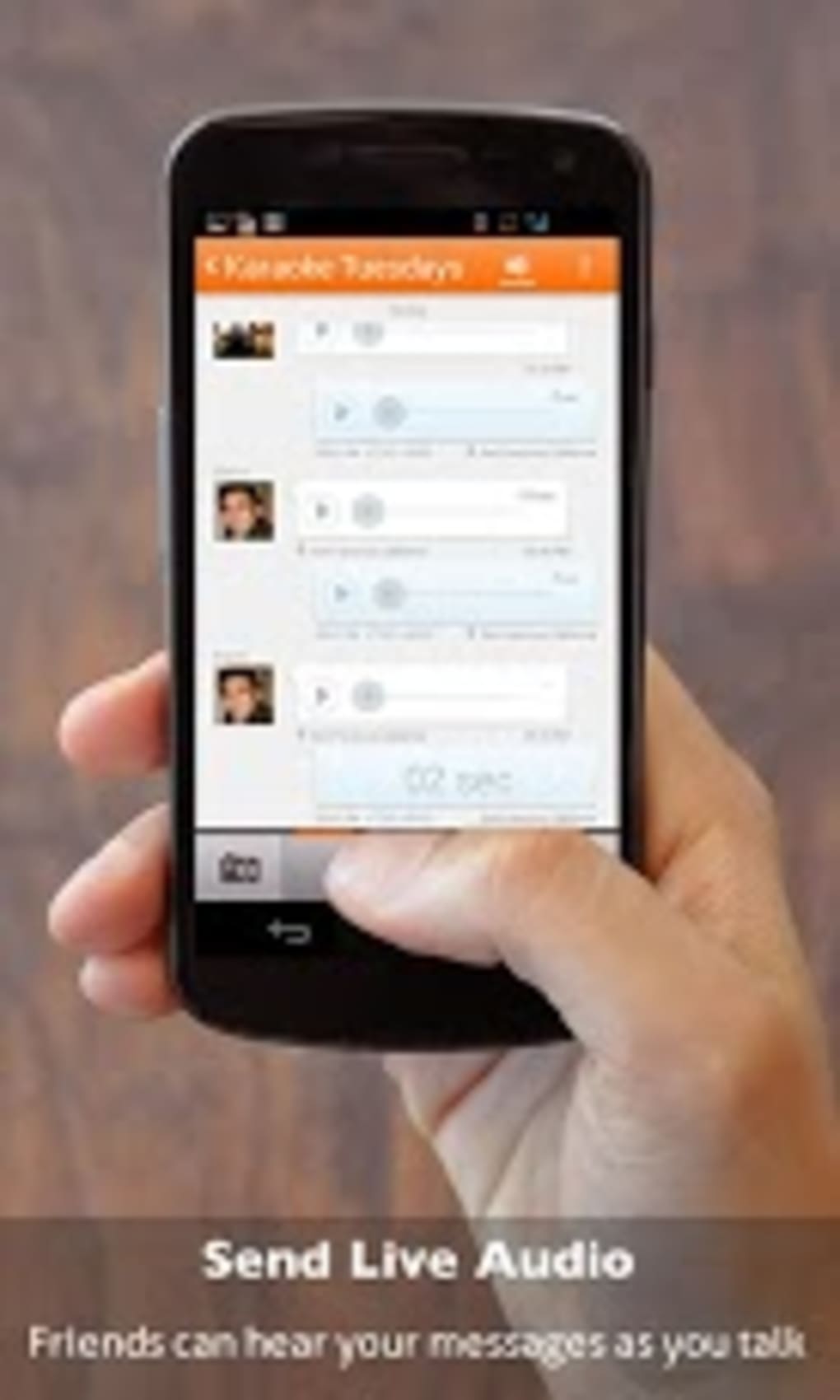
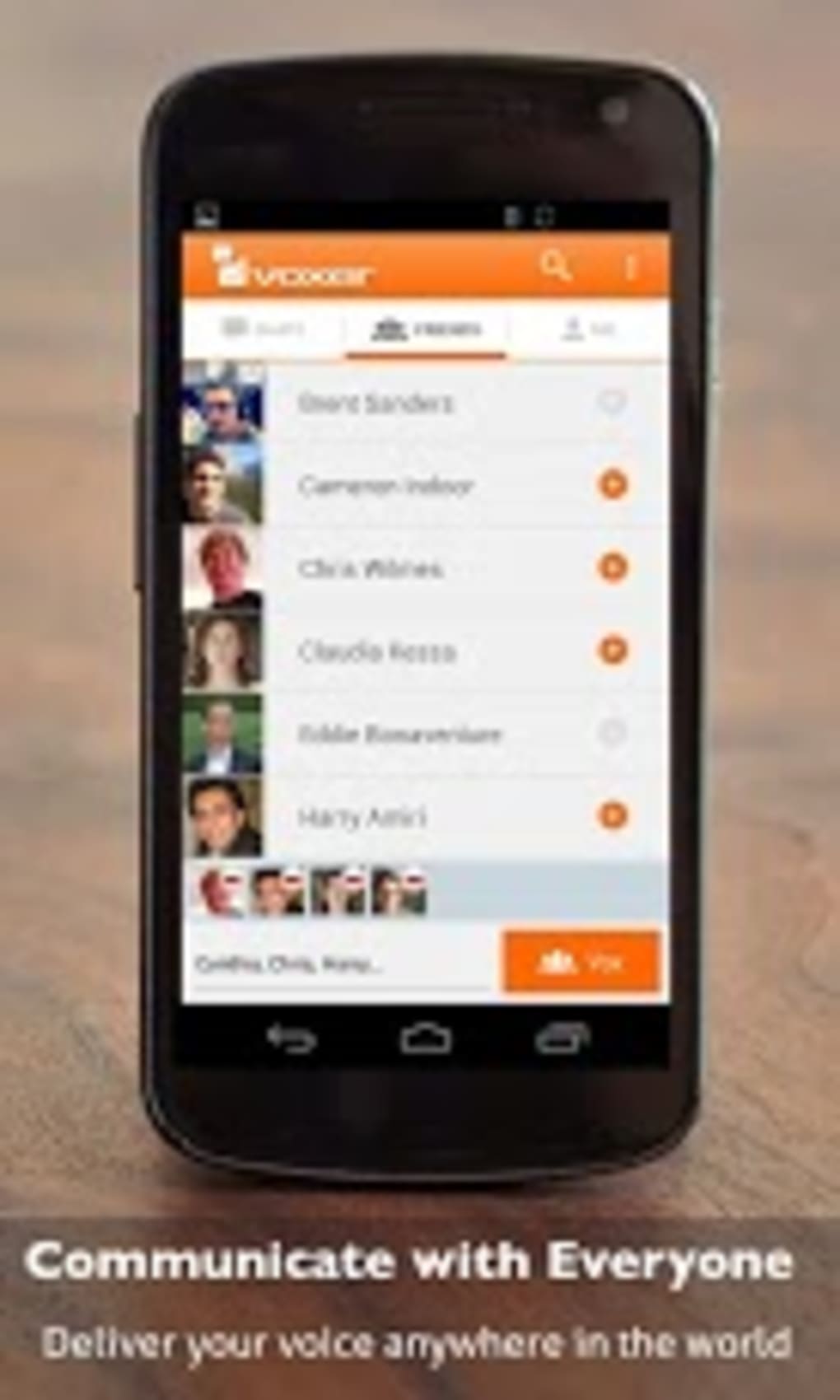
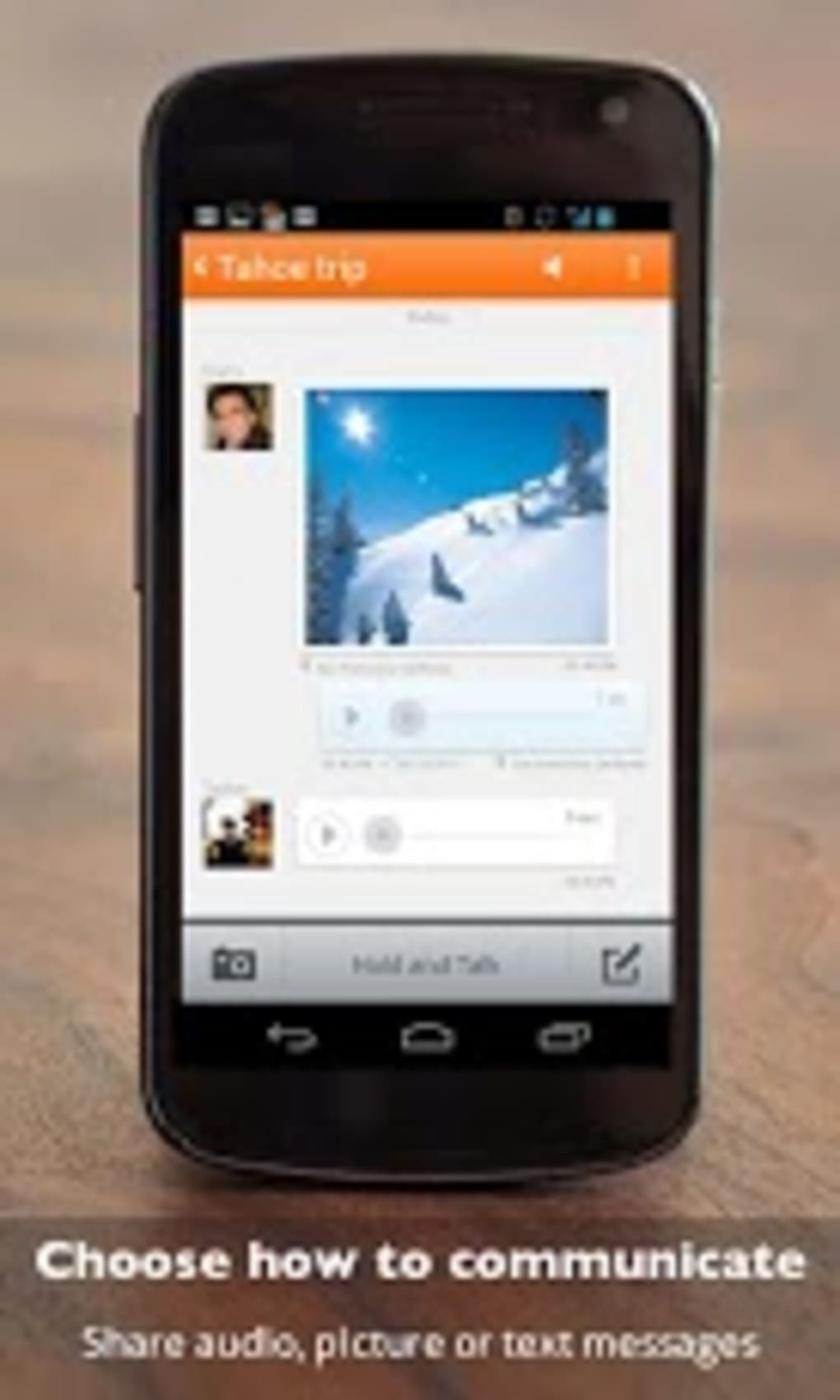
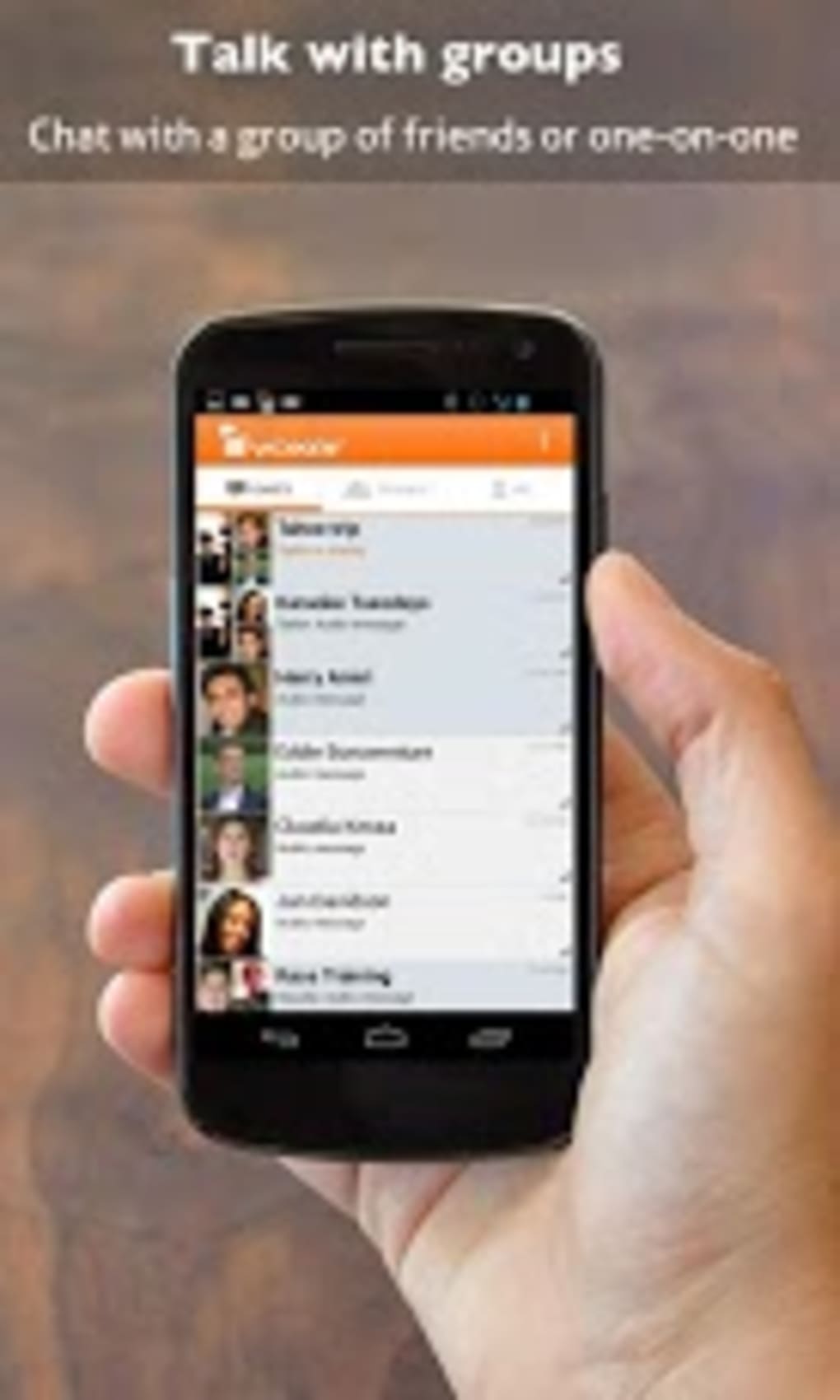
The user interface of Voxer is clean and modern, designed for intuitive navigation across mobile platforms. The main screen displays a list of contacts and their latest messages, with a large, centrally positioned microphone button for quick access to voice recording. Tapping a contact’s name opens a conversation window where users can choose between text input or voice recording with a single tap.
Navigation is straightforward, with a search function to locate specific messages or contacts. The app’s workflow is optimized for speed and ease of use, minimizing steps required to send a message or initiate a conversation. The developer did not specify resource usage details, so exact performance behavior, CPU consumption, or RAM usage remain unknown. However, based on general software behavior patterns, the app is expected to operate efficiently on modern smartphones with stable network connectivity.
Stability appears consistent across platforms, with regular updates suggesting ongoing maintenance and bug fixes. The app supports offline message delivery, meaning users can receive messages after reconnection. Performance observations are based on general software behavior patterns and not on independent benchmarks or user-reported data.
Compatibility & System Requirements
Voxer is available for both Android and iOS devices, supporting modern smartphones across these platforms. The app is designed to function on devices with active internet connectivity, including Wi-Fi and cellular networks (3G, 4G, and newer). The developer did not provide exact system requirements, such as minimum RAM, processor specifications, or storage needs.
Installation size and version details were not specified. Compatibility information was partially provided, with no mention of desktop or tablet support. The app is intended for mobile use only, and there is no indication of availability on Windows, Mac, or other desktop operating systems. Users should ensure their device meets general app store requirements for installation.
Pros and Cons
Pros
- Real-time push-to-talk functionality for instant communication
- Asynchronous voice messaging ensures message delivery even when offline
- Supports large group chats (up to 500 members for Pro users)
- End-to-end encryption enhances privacy and security
- Multi-language support increases global accessibility
- Intuitive interface suitable for users of all ages
- Regular updates and new feature rollouts
- Message sharing via email, SMS, and social media
Cons
- Free version has limitations on group size and customization
- Limited system requirements and performance data provided
- No desktop or tablet version available
- Audio quality described as slightly tinny in some conditions
- Pro subscription required for advanced features
FAQ Section
Is Voxer available for desktop computers?
As of now, Voxer is only available on Android and iOS mobile devices. There is no official desktop or tablet application released.
Is Voxer secure and private?
Yes, Voxer uses end-to-end encryption for all messages, ensuring that only the sender and recipient can access the content. This protects user data from unauthorized access.
Can I use Voxer without an internet connection?
While Voxer requires an internet connection to send and receive messages, it supports offline message delivery. Messages sent when a user is offline are delivered once they reconnect.
How often does Voxer update?
The app is regularly updated with new features, performance improvements, and security patches. Users are encouraged to keep the app up to date for optimal experience.
What is the difference between the free and Pro versions?
The free version includes core messaging features with limited group chat size and no username customization. The Pro version, available via subscription, unlocks larger group chats, custom usernames, rich notifications, and message sharing capabilities.
Final Thoughts
Voxer Walkie Talkie Messenger stands out as a versatile, mobile-first communication tool that blends the immediacy of walkie-talkies with the flexibility of modern messaging. Its push-to-talk functionality, combined with asynchronous voice and text options, makes it ideal for teams and individuals who need fast, reliable, and secure communication. The support for large group chats and end-to-end encryption adds significant value for both personal and professional use.
While the free version offers solid core functionality, the Pro subscription unlocks advanced features essential for larger teams or more personalized experiences. The lack of desktop support and limited system information are notable drawbacks, but the app’s mobile focus remains strong. With regular updates, multilingual support, and a clean interface, Voxer delivers a reliable and efficient communication experience.
Download Voxer Walkie Talkie Messenger now
Guides & Tutorials for Voxer Walkie Talkie Messenger
How to install Voxer Walkie Talkie Messenger
- Click the Preview / Download button above.
- Once redirected, accept the terms and click Install.
- Wait for the Voxer Walkie Talkie Messenger download to finish on your device.
How to use Voxer Walkie Talkie Messenger
This software is primarily used for its core features described above. Open the app after installation to explore its capabilities.
User Reviews for Voxer Walkie Talkie Messenger 0
No reviews found





